










Data loss – whether lost due to accidental deletion, formatting, corruption, or system failure – can be distressing. Luckily, several manual methods and professional data recovery software tools are available online that you can try to restore lost files with ease. However, sometimes recovering deleted files with manual methods can be time-consuming or may not give the expected results.
Thankfully, in 2026, a range of professional data recovery tools exists that can help you recover deleted files from different storage devices with ease. While choosing adequate data recovery software for you can be challenging, this article outlines the top 7 professional data recovery software tools that you can try to recover your lost files in Windows.
Features to Check in Your Professional Data Recovery Software
Before you opt for any professional data recovery software to recover deleted files, it’s important to carefully check its features. Not all recovery tools offer the same capabilities, so evaluating the following features will help you select a reliable and effective solution.
Here are some key features that you can check in your professional data recovery software:
- Wide File Type Support: Ensure your data recovery software supports recovery of deleted files of various types, such as documents, photos, videos, and more. The more file formats supported, the higher the chance of successful recovery.
- Multiple Data Loss Scenario: A good recovery tool supports restoration of files deleted due to multiple reasons, such as accidental deletion, formatting, system crashes, or anything else.
- Different Scan Options: A professional tool performs both Quick Scan (to recover recently deleted files) and Deep Scan (to restore files deleted due to formatting or corruption).
- File Preview Functionality: The preview feature of recovery tools lets you preview the recoverable files to verify their integrity. Professional tools always provide preview support.
- User-Friendly Interface: A clean, guided interface helps you recover deleted files effortlessly. Many tools offer an intuitive interface that even beginners can use to restore files without any technical knowledge.
Now that you are familiar with the features of professional data recovery software tools, let’s go to the topic. Here are the top 7 professional data recovery software tools of 2026 that you can try to get your deleted files back:
1. Stellar Data Recovery Professional
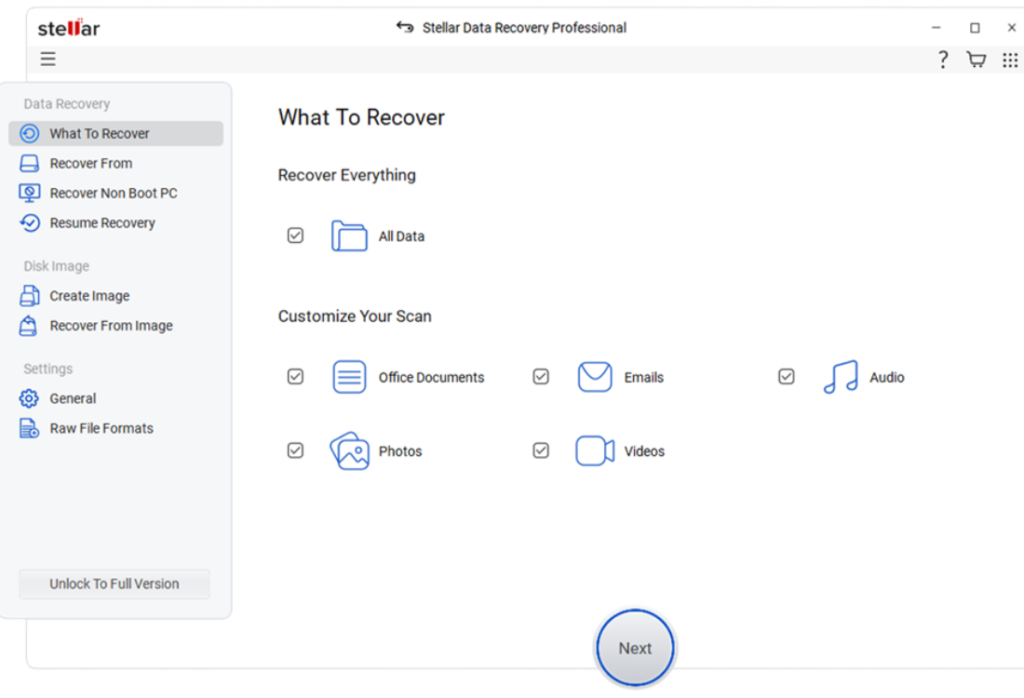
Stellar Data Recovery Professional is a professional data recovery software which allows you to restore lost, deleted, and corrupted files from a variety of storage devices. The software can easily recover your deleted photos, videos, documents, and other types of files. It is designed for both personal and professional use, offering a simple interface with powerful recovery capabilities. With advanced scanning algorithms, it ensures a high recovery success rate while maintaining data safety through read-only operations.
Key Features:
- It supports recovery of deleted files from internal or external storage devices, including SD cards, USB drives, hard drives, etc.
- Its preview feature lets you preview recoverable files before restoration to save only what’s needed.
- The software is available in multiple versions, varying in features and prices.
- Simple wizard-style design makes recovery easy even for beginners.
- Advanced scanning algorithms help find deeply hidden files after partition loss or file system corruption.
2. EaseUS Data Recovery Wizard
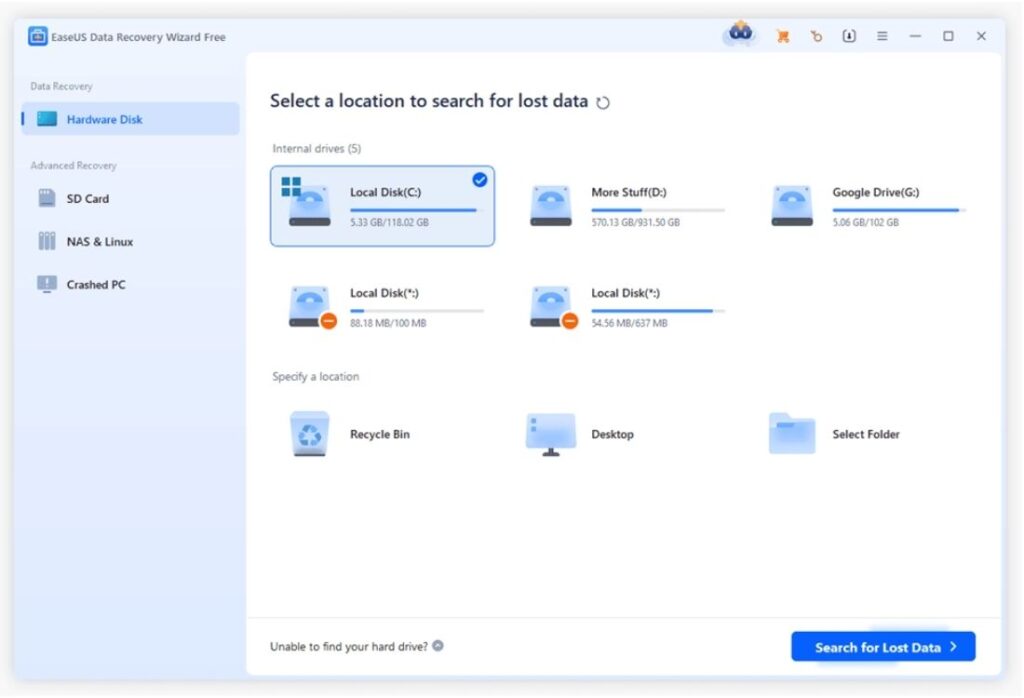
Next in our list is EaseUS Data Recovery Wizard, which is a popular and reliable data recovery solution designed to restore lost, deleted, or formatted data from different devices. You can use this tool to recover deleted files from hard drives, SSDs, USB drives, memory cards, and other storage devices. The software supports recovery of files deleted due to multiple data loss scenarios, including accidental deletion, virus attacks, system crashes, and partition loss. Features like advanced scanning, preview of recoverable files, etc. makes this tool safe, efficient, and user-friendly.
Key Features:
- The software offers fast scanning to restore recently deleted files and deep scanning for data recovery from formatted or corrupted drives.
- It can effectively restore data from lost, deleted, or hidden disk partitions.
- It uses advanced algorithms to deliver consistent and reliable recovery results.
- You can use this tool to recover data even from crashed or unbootable systems using bootable USB media.
3. WondershareRecoverit
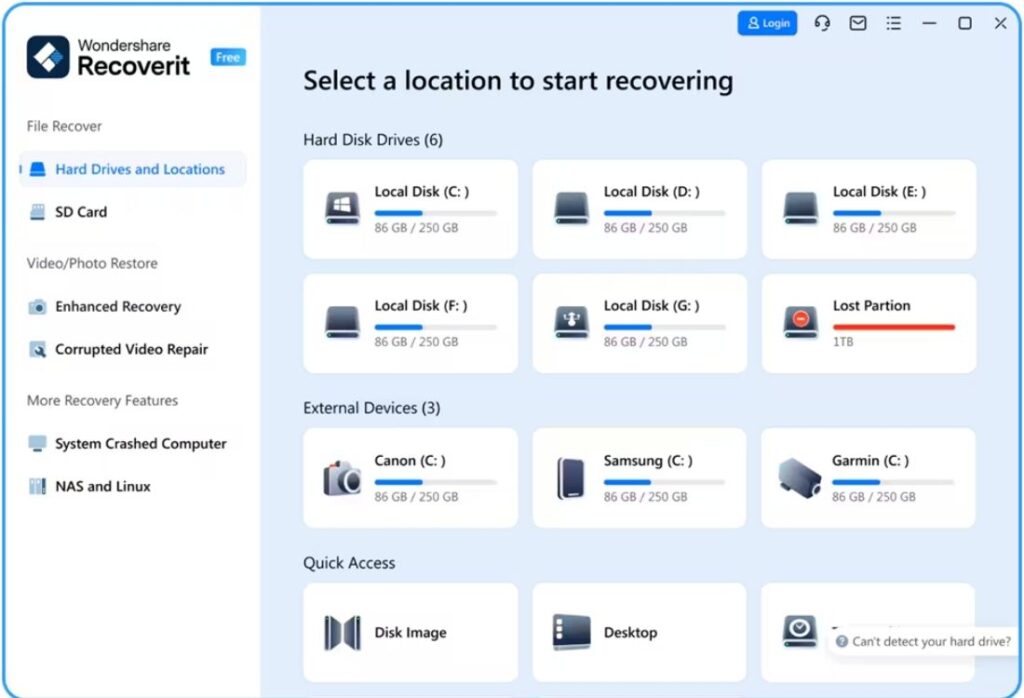
Recoverit is known as a powerful professional data recovery software, allowing you recover files deleted from hard drives, USB drives, and other internal or external storage devices. With advanced scanning technology, this software can easily dig deep into your storage device to find lost data even after formatting or system crashes. This software provides reliable and efficient data restoration. It also lets you preview the recoverable files before saving them on your device.
Key Features:
- It supports recovery of deleted files of various types such as photos, videos, documents, emails and more.
- The software performs a comprehensive scanning of your storage device to locate even deeply hidden or fragmented files effectively.
- You can use this tool to recover data deleted from unbootable or crashed systems using bootable media.
4. Disk Drill
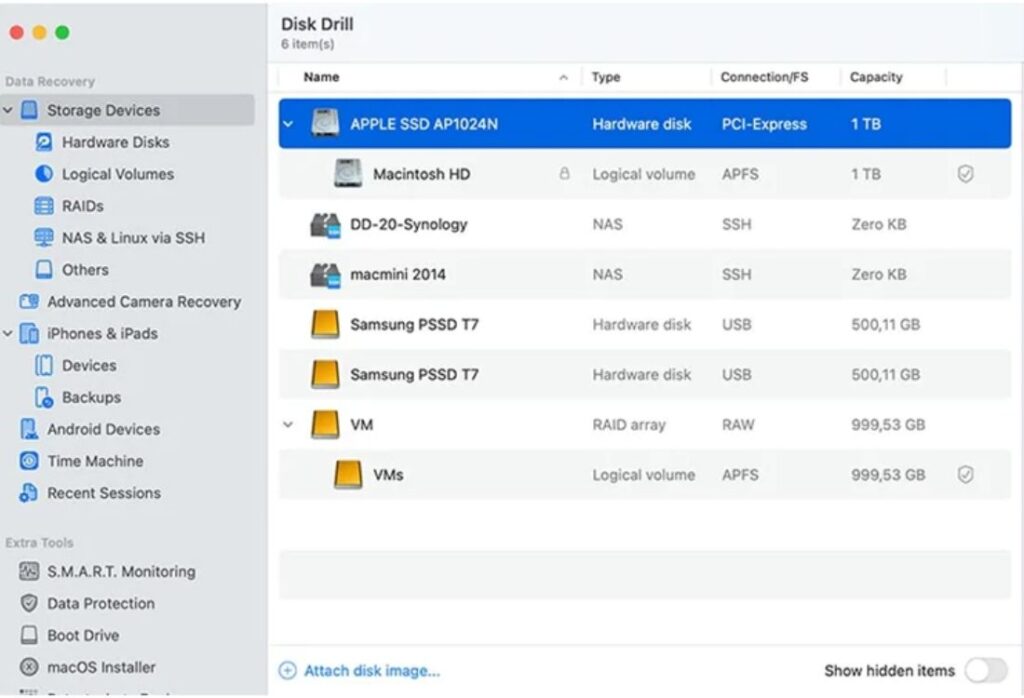
Developed by Cleverfiles, Disk Drill is a reliable tool known for its powerful features and easy-to-use interface. The software also offers additional tools for disk health monitoring and data protection, helping you to prevent future data loss. This professional data recovery software delivers efficient and dependable results in the recovery of deleted photos, videos, documents, and other files from different storage devices.
Key Features:
- Works seamlessly with internal and external HDDs, SSDs, USBs, and memory cards.
- Provides S.M.A.R.T. insights on drive health to prevent unexpected failures.
- The software is compatible with both Windows and macOS systems for broad usability.
- Its preview feature lets you preview recoverable files before recovery to ensure accurate selection and restoration.
5. PhotoRec
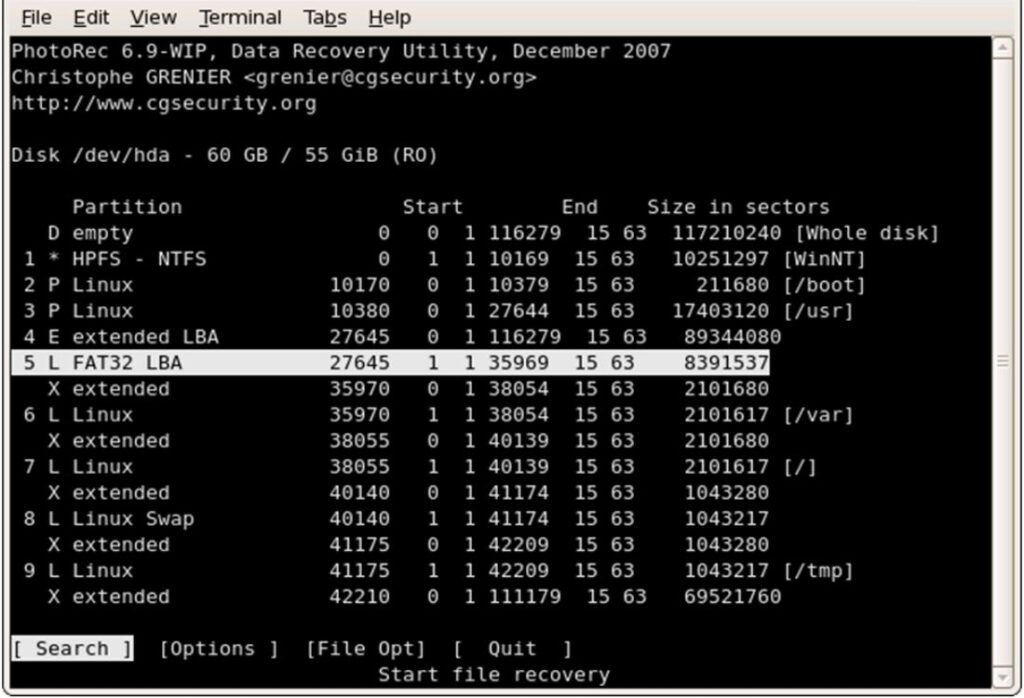
PhotoRec is a free, open-source data recovery software that specialises in recovering lost files from Windows PC, Mac, and Linux devices. You can use this tool to restore deleted photos, videos, documents, and archives from numerous storage devices, even from formatted or corrupted partitions. Unlike many other tools, PhotoRec works independently of file system metadata, which makes it highly effective for challenging recovery scenarios. The software offers a text-based interface, and its powerful algorithms make it a favourite among advanced users and IT professionals.
Key Features:
- This tool is completely free to use, offering powerful recovery without any licensing costs or limitations.
- It performs a thorough scanning of your storage devices to locate deleted or lost files for maximum recovery.
- Minimal system requirements make it fast and suitable for older or low-spec machines.
- It supports recovery of deleted files without relying on file system metadata.
6. DiskGenius
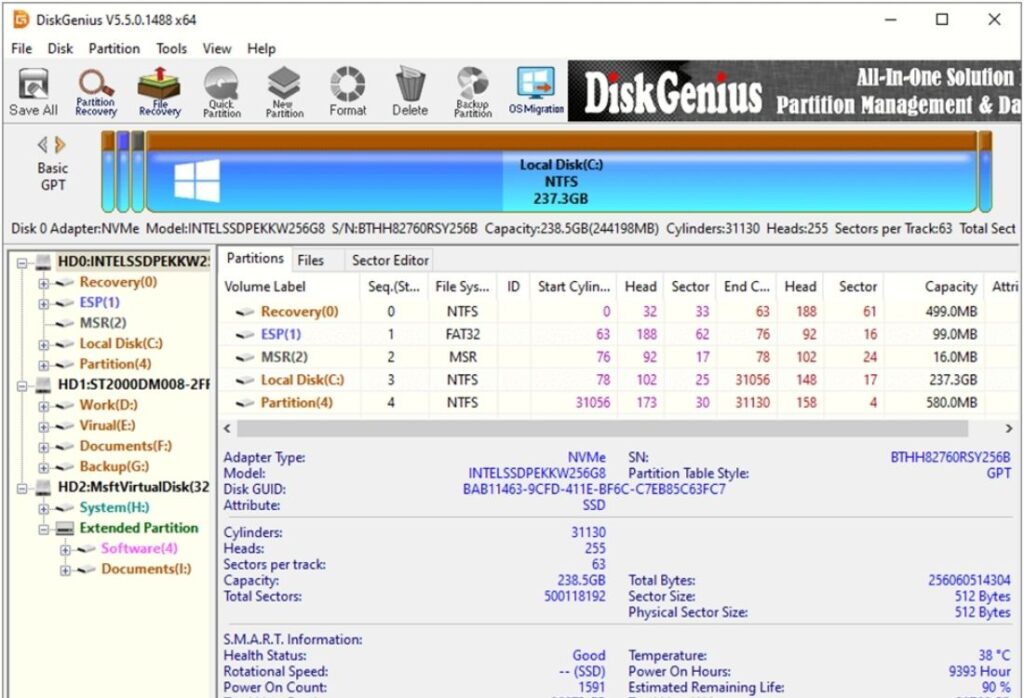
DiskGenius is an all-in-one professional data recovery software which includes advanced tools for partition recovery, disk imaging, and virtual disk support. This tool supports recovery from deleted, formatted, RAW, and corrupted storage devices, including HDDs, SSDs, USB drives, and RAID systems with deep, optimised scanning.
Key Features:
- You can use this tool to recover lost or deleted files from different internal and external drives with advanced scanning.
- It supports recovery from various RAID configurations by constructing virtual RAID layouts.
- This tool includes built-in options to resize, format, and manage partitions alongside recovery functions.
7. Recuva
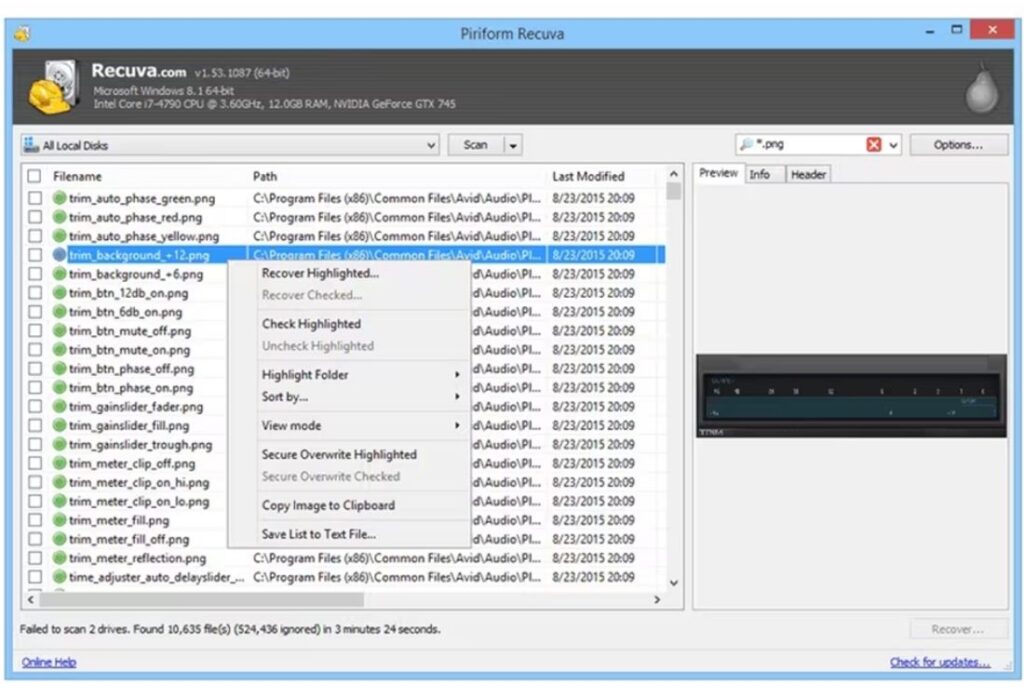
Recuva is a minimalistic professional data recovery software, allowing data recovery from hard drives, USB drives, and other internal or external drives. Its simple wizard interface makes it suitable for beginners, while advanced options provide more control for experienced users. With features like deep scan and file preview, Recuva ensures efficient and accurate data restoration.
Key Features:
- The step-by-step interface of this tool helps even users with minimal technical knowledge to easily restore deleted files.
- It performs fast scans for recently deleted files and deep scans for formatted or corrupted drives.
- It allows you to preview recoverable files to ensure the correct data is restored.
- This tool supports recovery of deleted files of various types, including documents, photos, videos, audio, and emails.
Comparison of the Top 7 Best Data Recovery Software
Here’s a quick comparison of the aforementioned top 7 professional data recovery software tools, with key features and user ratings:
| Software | Key Features | Rating (Ease of Use / Overall) 1–10 |
| Stellar Data Recovery Professional | Deep scan, preview, encrypted drive support, bootable recovery | 9.4/10 |
| EaseUS Data Recovery Wizard | Wizard interface, partition recovery, wide file support | 9/10 |
| WondershareRecoverit | High success rate, file repair, deep scan | 8.6/10 |
| Disk Drill | Recovery vault protection, disk health tools, and bootable media | 8.6/10 |
| PhotoRec | Free/open‑source, deep scan, file system independent | 8/10 |
| DiskGenius | RAID & partition recovery, disk imaging, preview | 8/10 |
| Recuva | Quick & deep scan, preview, secure overwrite | 7/10 |
Wrapping Up
Data loss on any device can put you in trouble, especially if the deleted data is important. If you ever find any important file or folder deleted from your device, go with the aforementioned data recovery software tools to restore it with ease. Choosing the right software ultimately comes down to your specific scenario, technical comfort, device type, and budget. Each of the aforementioned top 7 professional data recovery software tools offers a unique balance of features tailored to different needs and skill levels. Carefully compare these tools and select the one that best suits your needs.